How to Open and Use .mrpack Files Without a Launcher
Most guides tell you to install Prism Launcher or Modrinth App to use a .mrpack file. That works fine if you want a full launcher setup. But sometimes you just want the mods inside the pack dropped into a folder you already have, without installing anything new or creating another profile.
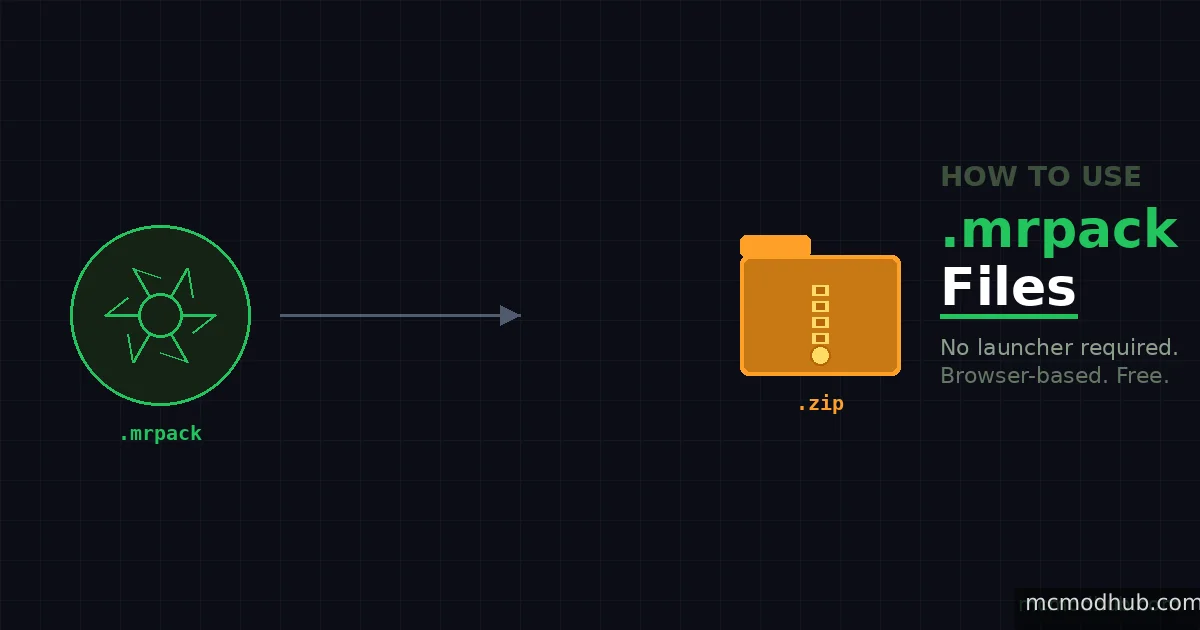
This is what mrpack-to-zip solves. It runs entirely in your browser, converts the .mrpack to a standard ZIP with all mods downloaded and ready, and never uploads your files anywhere.
What a .mrpack file actually is
A .mrpack is not a traditional archive with mods bundled inside it. It is closer to a shopping list a JSON manifest that tells a compatible launcher which mods to download, from where, and where to put them. The mods themselves are not in the file. This is why you cannot just rename it to .zip and extract it to get working mod files.
When you use mrpack-to-zip, the tool reads that manifest, fetches each mod from Modrinth's servers, and assembles them into a proper ZIP that behaves like a traditional modpack you can extract directly into your mods folder.
Using mrpack-to-zip
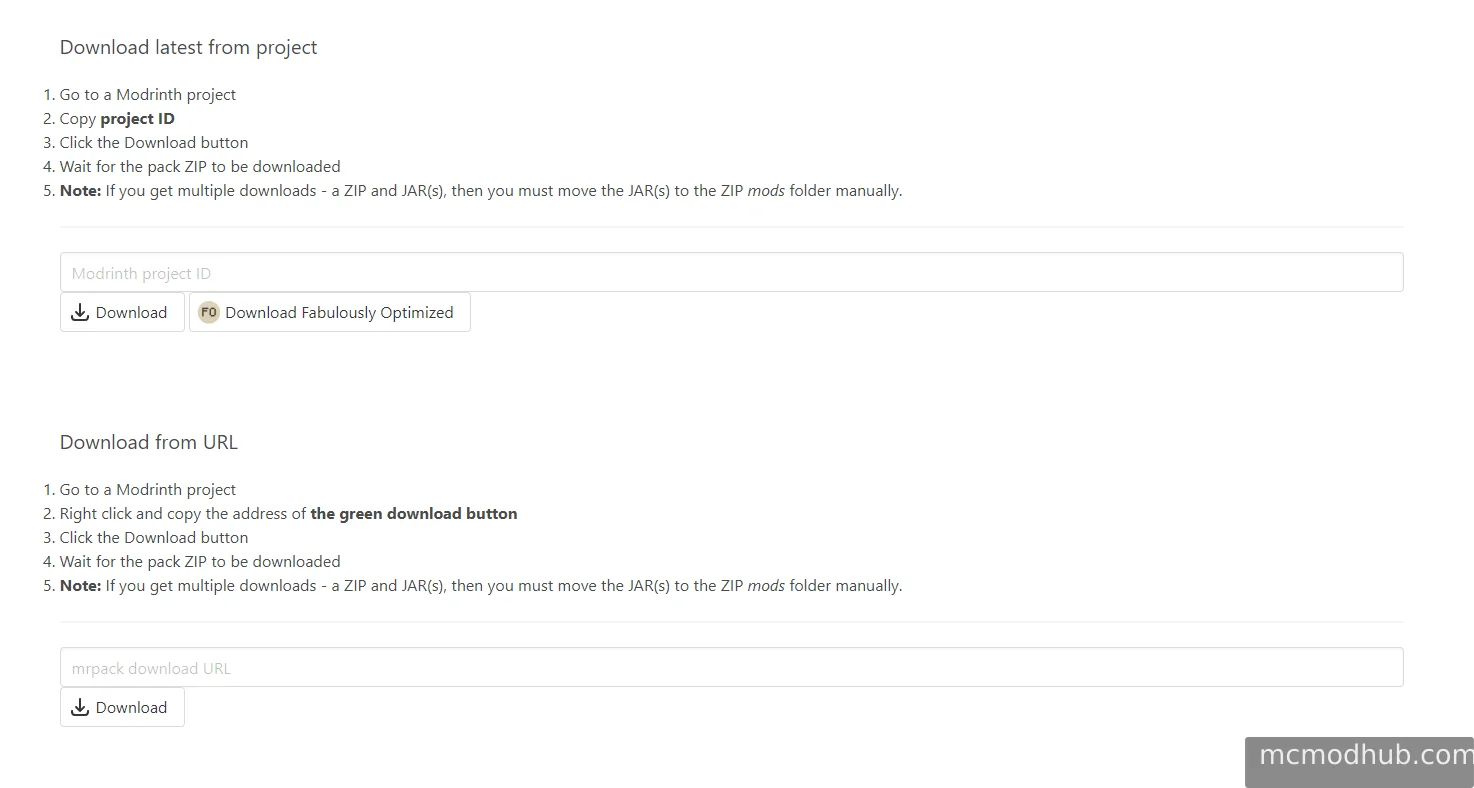
Go to fabulously-optimized.github.io/mrpack-to-zip
You have two ways to convert:
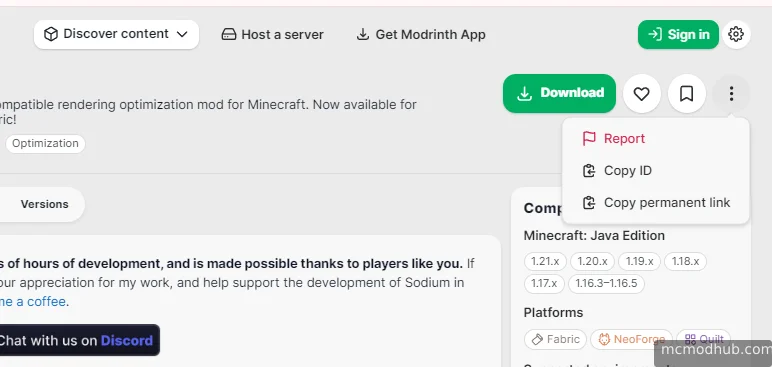
From a Modrinth URL: Right-click the green Download button on any Modrinth modpack page, copy the link address, paste it into the tool, and click Download. The tool fetches the .mrpack and all referenced mods automatically.
From a local file: If you already have a .mrpack file downloaded, click the upload option, select the file, and click Download. Same result.
The download may take a few minutes depending on how many mods are in the pack and how large they are. Leave the tab open and let it finish.
What you get
A ZIP file containing a mods folder with every mod in the pack already downloaded. Extract it into your Minecraft directory and the structure drops into the right place. Config files and overrides from the pack are included in the same ZIP.
If any mod is hosted outside Modrinth on GitHub or another external host the tool will open that download page in a new tab instead of downloading it automatically. Save that file manually and move it into the mods folder in your ZIP before extracting.
When this is actually useful
The obvious use case is people who want to try a modpack without committing to a new launcher profile. Download the .mrpack, convert it, extract into an existing instance, done.
The less obvious one is server owners. Modrinth modpacks are designed for client launchers, but converting to ZIP gives you a flat file structure you can inspect, modify, and deploy to a server directory without any launcher involvement. Pair it with mrpack4server if you want a more automated server setup, but for a one-time conversion this tool is faster.
A note on the tool itself
mrpack-to-zip was built by the Fabulously Optimized team as an open-source utility. Everything runs locally in your browser no account, no upload, no tracking. The source is on GitHub if you want to inspect it or run it yourself.