Minecraft Says Your Mods Are Incompatible. Here Is Why
Incompatible mods found!
Some of your mods are incompatible with the game or each other!
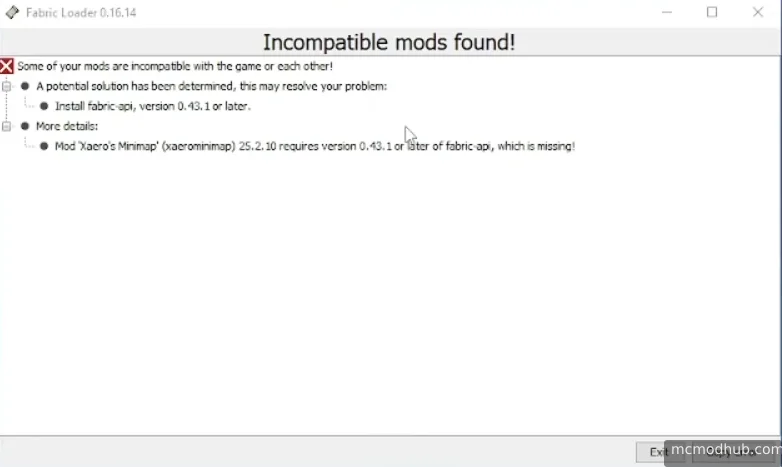
Below that is a wall of mod names and version numbers that looks intimidating. It isn't. Most of the time this takes five minutes to fix once you know what you're actually looking at.
What This Error Is Telling You
Fabric Loader checks every mod before the game starts. If a mod requires a specific version of another mod that isn't there, or needs a different Minecraft version than what you're running, it stops and lists every problem it found. The error screen looks overwhelming because it lists everything at once, but usually there's one root cause triggering everything else.
The most important line in the whole error is the one that starts with "A potential solution has been determined". Fabric often figures out the fix for you and prints it right there. Read that line first before doing anything else.
The Three Causes Behind Most Cases
The first thing to check is Fabric API. If your log contains lines like:
requires any version of fabric-api, which is missing!
You either don't have Fabric API installed at all, or the version you have doesn't match your Minecraft version. Go to Modrinth, download the correct Fabric API for your exact Minecraft version, and drop it in your mods folder. This single fix resolves a surprisingly large number of "incompatible mods" errors.
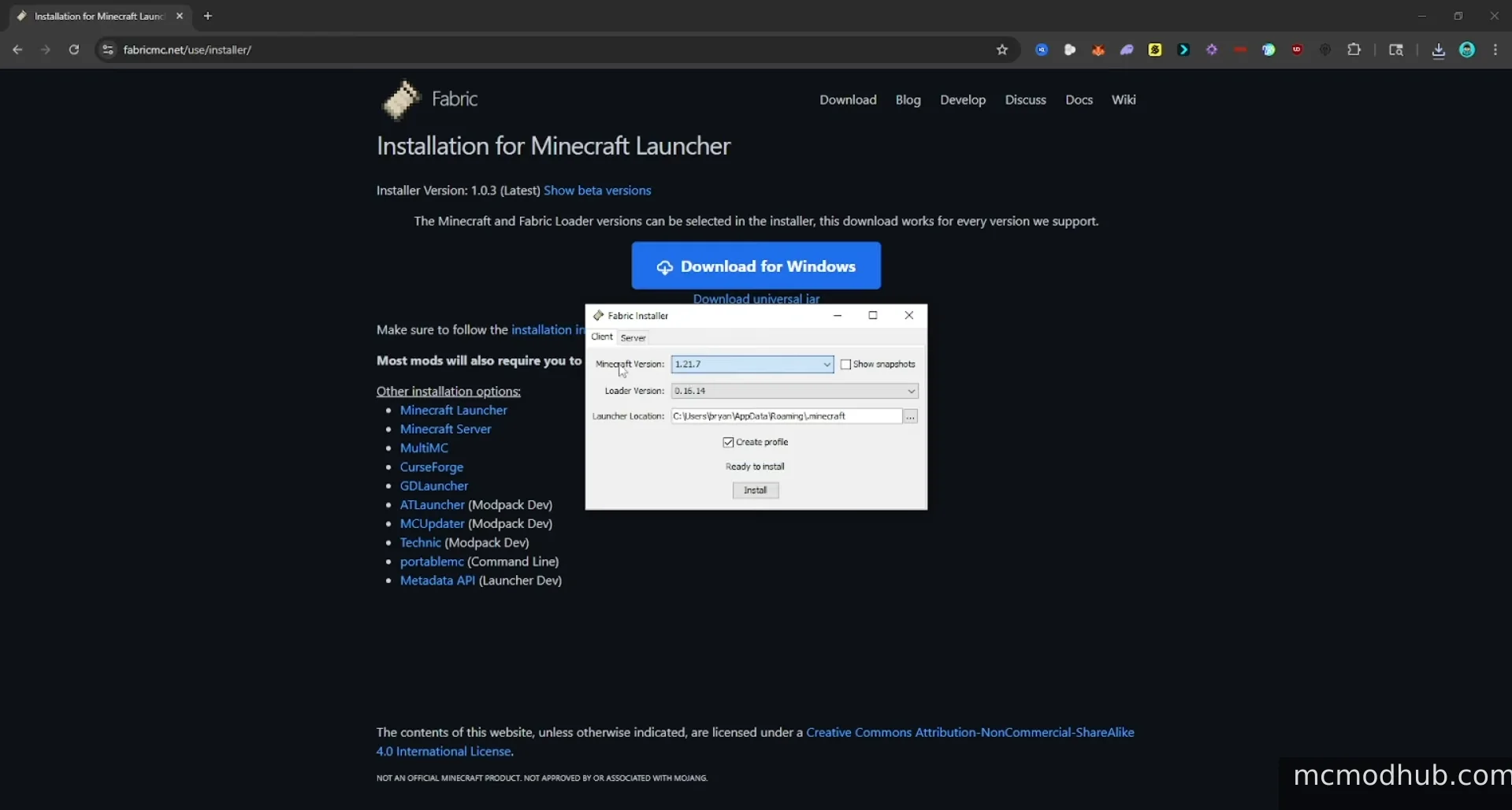
The second thing to check is your Fabric Loader version. Newer mods sometimes require a more recent Fabric Loader than what your launcher installed. The log will say something like:
requires version 0.16.10 or later of mod 'Fabric Loader',
but only the wrong version is present: 0.16.9
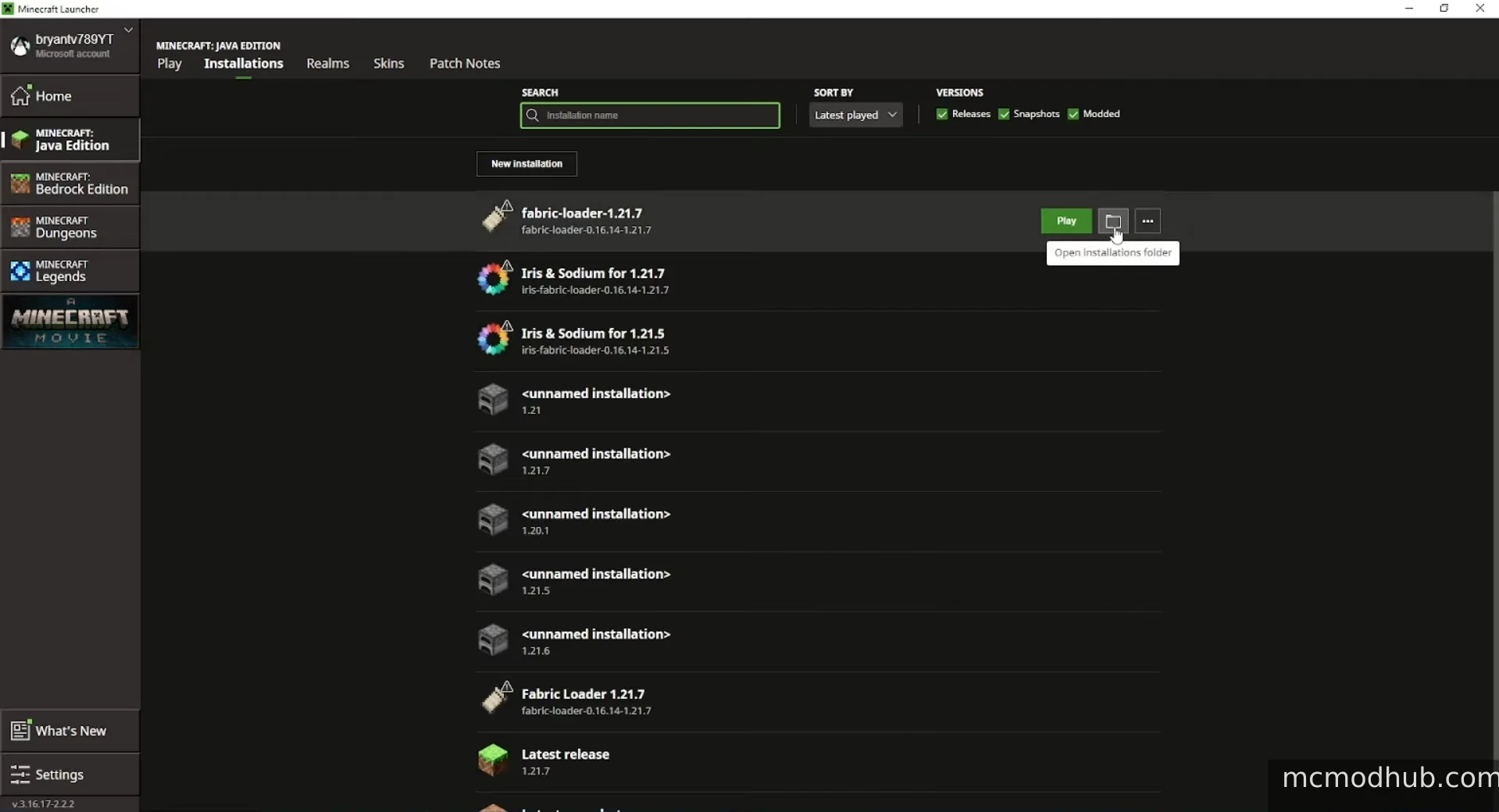
The fix is straightforward: run the Fabric Installer again, select your Minecraft version, and install the latest Fabric Loader. If your launcher is showing the old version after reinstalling, create a new profile instead of using the existing one.
The third cause is mods downloaded for the wrong Minecraft version, which happens constantly when people copy mods from an old setup into a new one. The log makes this obvious:
requires version 1.21.1 of Minecraft,
but only the wrong version is present: 1.21.3
Go to the Modrinth page for whichever mod is listed, switch to the Versions tab, and download the one that matches your current Minecraft version exactly.
How to Actually Read the Log Without Going Crazy
The error lists every dependency failure in the chain, which means one missing mod can generate fifteen lines of errors. Don't try to fix them all simultaneously. Find the mod name in the very first error line, that's the root cause, and fix that one first. Half the other errors will disappear on their own once the core issue is resolved.
If you see multiple mods listed in the first few lines, look for one that several others depend on. Fabric API and Fabric Loader show up as dependencies for almost everything, so start there before touching individual mods.
When You Just Added a Bunch of Mods at Once
Remove everything you added in the last session and add them back one at a time until the game crashes again. That's the mod causing the problem. It takes longer but it's faster than trying to decode a twenty-line error log involving mods you don't recognize.
Still Stuck
Copy the full error text, paste it at mclo.gs, and post the link to r/feedthebeast. The people there read these logs all day and will usually point at the exact problem within a few minutes. Include which Minecraft version and which Fabric Loader version you're using when you post.